 surtly
Troubleshoot an order
Find out why a client, product, warehouse, or price is unavailable.
Check these controls in order
| Check | What to do |
|---|---|
| Client status | Reactivate the provider's client relationship before creating a new order, including staff orders. |
| Warehouse active | Select or activate a warehouse. An inactive default cannot supply a new order. |
| Client warehouse access | Enable public ordering or add an explicit private-warehouse grant. A default alone does not grant access. |
| Address route and default | Check whether an address route is locking the client's warehouse. Review both the client default and provider default. |
| Product catalog | Check Active or a client-specific availability grant. In the staff order form, use Status → All Products or Inactive to see granted inactive products. Removing a grant does not hide an active product. |
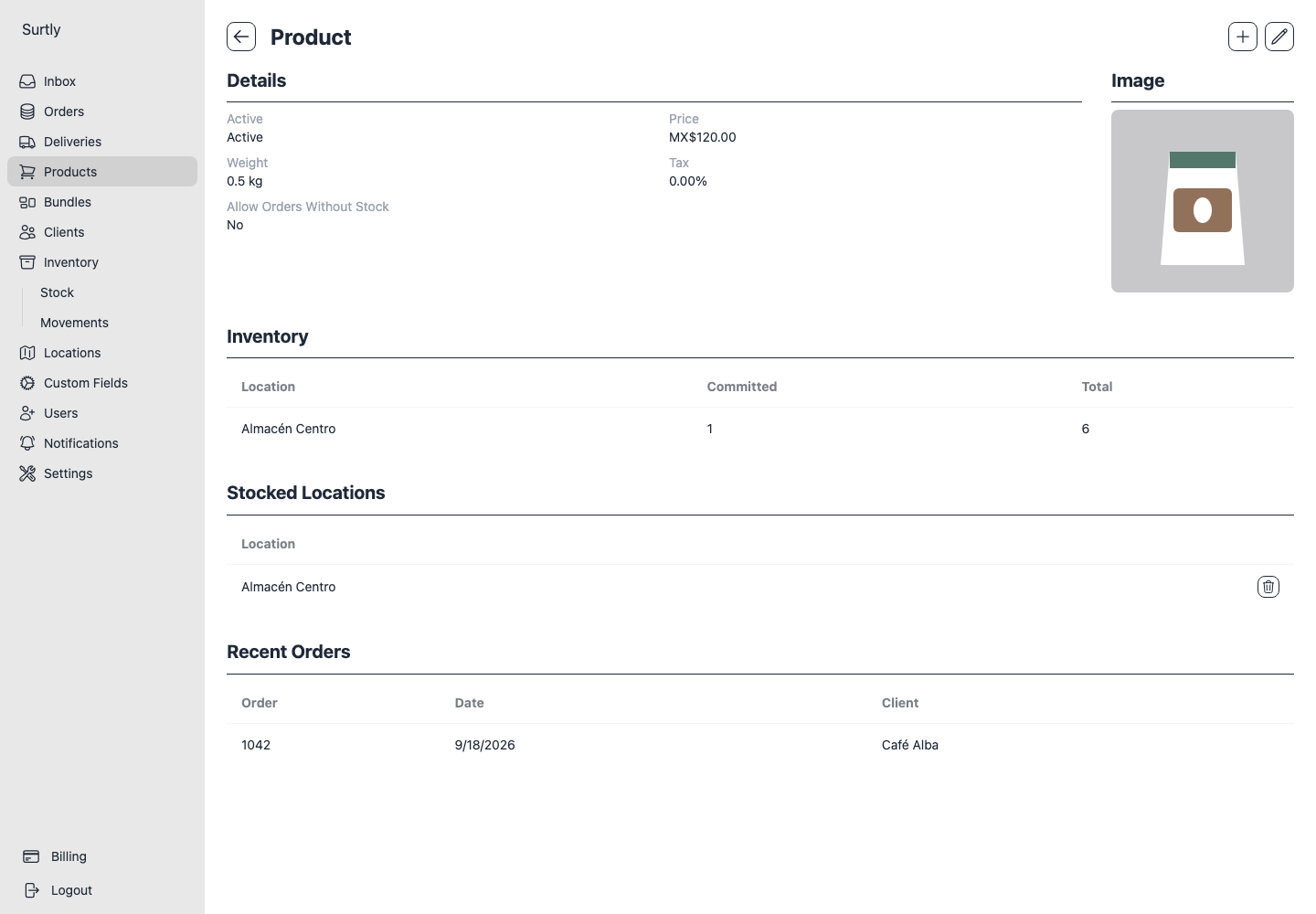
| Stocked locations | Make sure the product is assigned to the selected warehouse, or has no assignments and therefore allows all warehouses. |
| Available stock | Check the chosen warehouse. Stock elsewhere does not automatically reroute or split an order. |
| Bundles | Check active state, client assignment, components, their scope, and combined quantities. |
| Order-size limits | Check whole units or total weight, including bundle components and missing weights. Staff bypass these client limits. |
The price is unexpected
For a direct product, check custom price first, then the assigned qualifying volume tier, then base price. A custom price of zero still wins. Bundle discounts use base prices, not negotiated client prices. Compare the saved total when a draft tax estimate differs by a cent.
Custom prices · Volume pricing · Bundles.
An inventory update failed
A CSV preview may have become stale after stock changed; preview again. Negative available stock is rejected by CSV. With several warehouses, inspect successful movements before retrying because some may already have been applied.
If a control or section is missing, check team access and the + menu used to add its first configuration. Include the order or movement ID and the message shown when asking your administrator for help.
A record seems to be missing
Filters are remembered by browser, provider, and page. Expand Filters, use Clear, and check again. Review the filter recovery steps before assuming a record was deleted. If stock does not match a count, inspect the warehouse, type, dates, and cancellation status in movement history.
An unpaid order has no online Pay option
An unpaid balance does not guarantee checkout is available. Any payment history entry blocks a new online checkout, including a reversed manual payment or refunded Stripe payment. Check payments enabled, Stripe connection, cancellation, and the payment action requirements.
For a rejected or outdated CSV preview, follow the reset and re-preview steps.