surtly
Your first order
Set up the essentials and complete your first provider workflow.
Use this checklist for a new business. You will need access to Admin, Inventory, and Orders/Clients/Products, or help from a teammate with those permissions.
1. Set up your business
Open Settings. Check the business details, notification email, tax setting, and payment currency. Choose your currency before taking orders: changing it later does not convert saved amounts. Business settings.
2. Create a warehouse
In Locations, use + to create the place you hold inventory. Your first warehouse is the default. Enable client ordering if all clients should be able to use it. A warehouse is separate from a client's delivery address. Warehouse setup.
3. Add products and stock
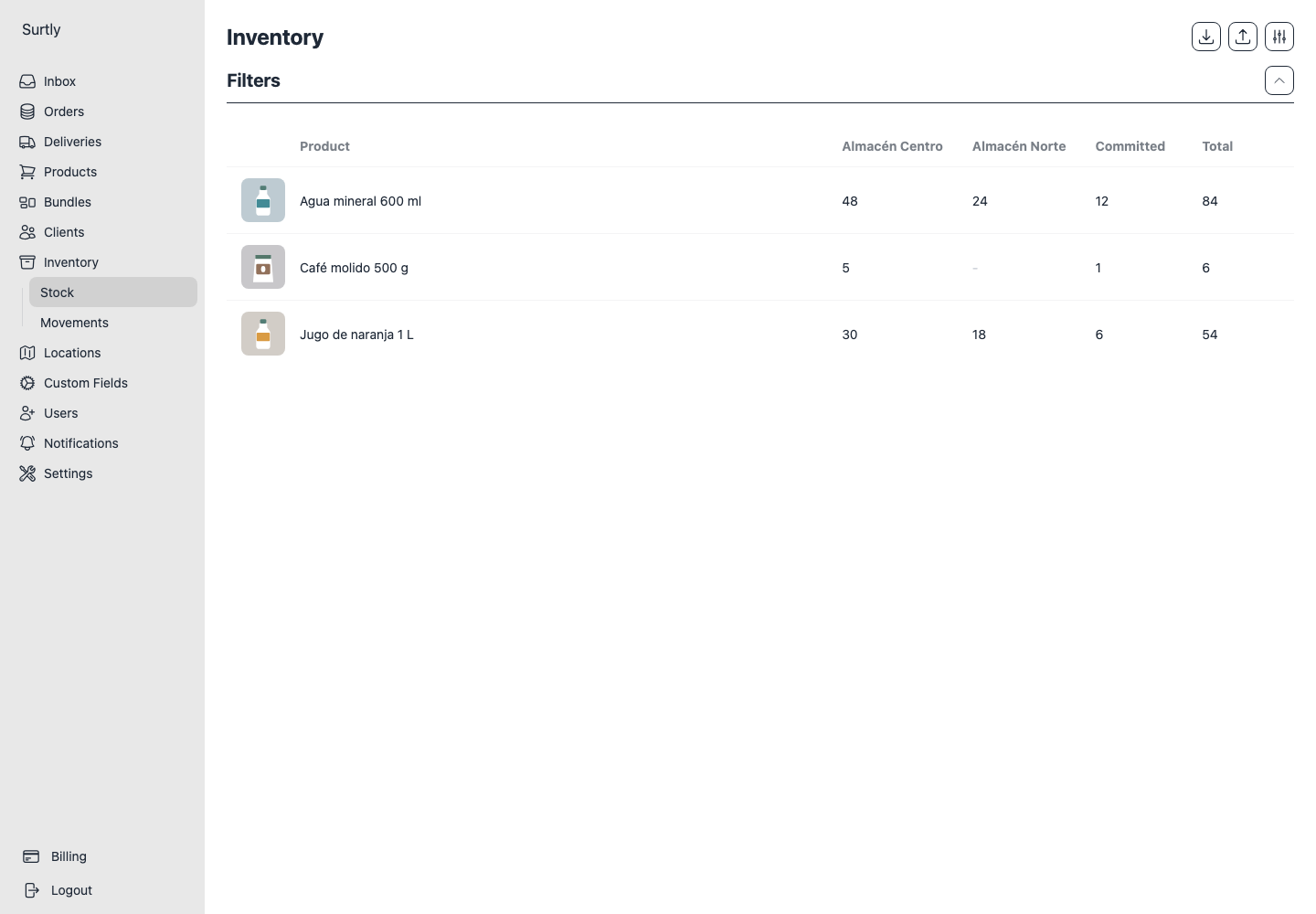
Create a product in Products with a name, base price, and optional weight. Then open Inventory → Movements, choose +, select Inbound, pick the warehouse, and enter the received quantities. Catalog guide · Stock movements.
4. Add a client
Open Clients → +, enter a name and email, and save. Add delivery addresses from the client's detail page if needed. Client guide.
5. Create and process the order
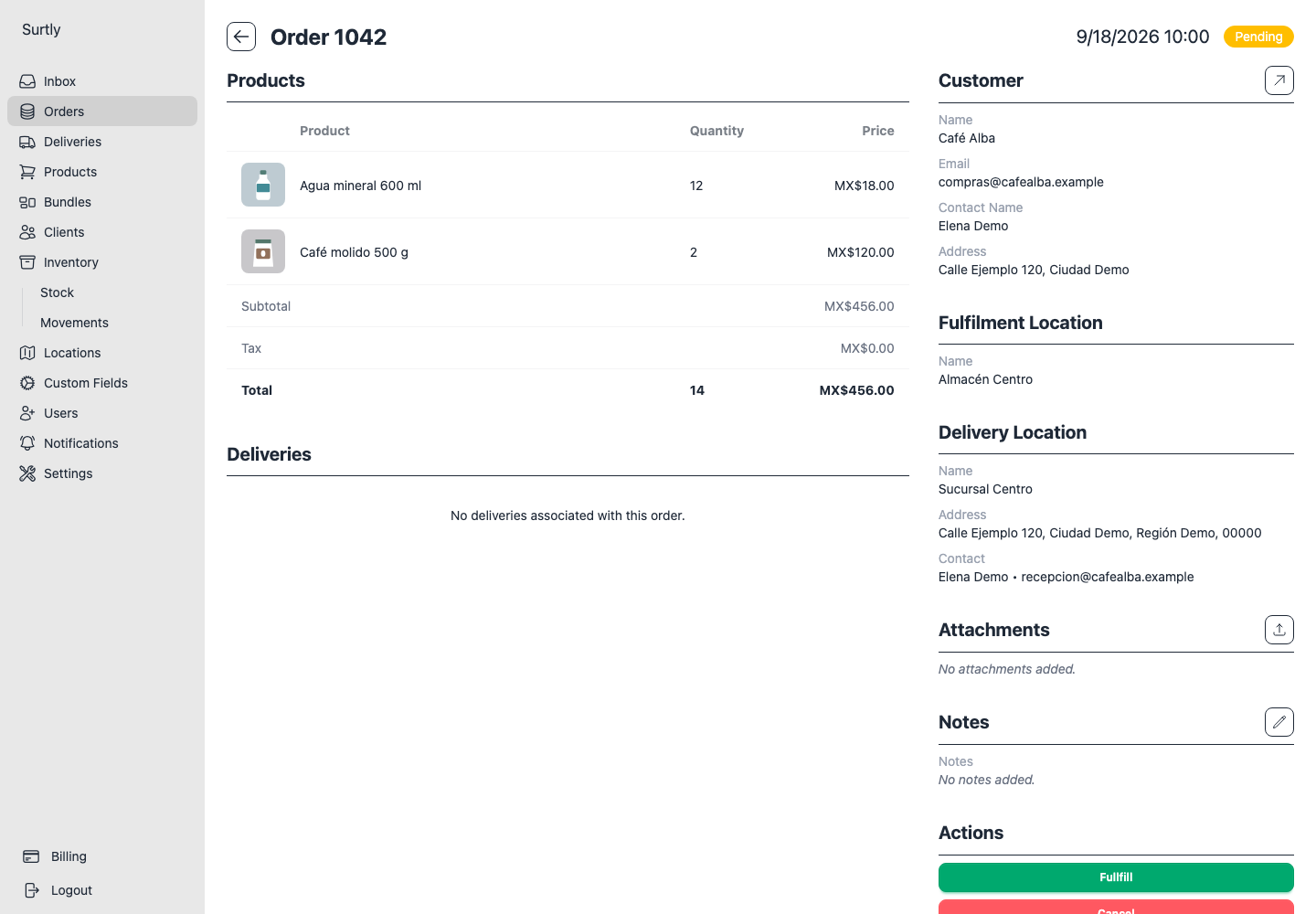
Open Orders → +, select the client and warehouse, choose a delivery address when prompted, and enter quantities. Review the draft, submit, and check the saved total. Choose Fullfill when the order is ready, then create a delivery. Record payment separately.
Create an order → Process it → Track delivery.