 surtly
Manage your subscription
Open subscription checkout or manage an existing plan.
Open Billing
Use Billing in the account navigation. This is available to the provider's primary membership with Admin access. If you cannot see it, ask the primary account holder to manage the subscription.
Surtly opens the appropriate subscription checkout or billing portal. Review the plan and charges shown there, complete the available action, then return to the application. Current prices and available plan changes are shown in that billing flow.
Separate subscription and client payments
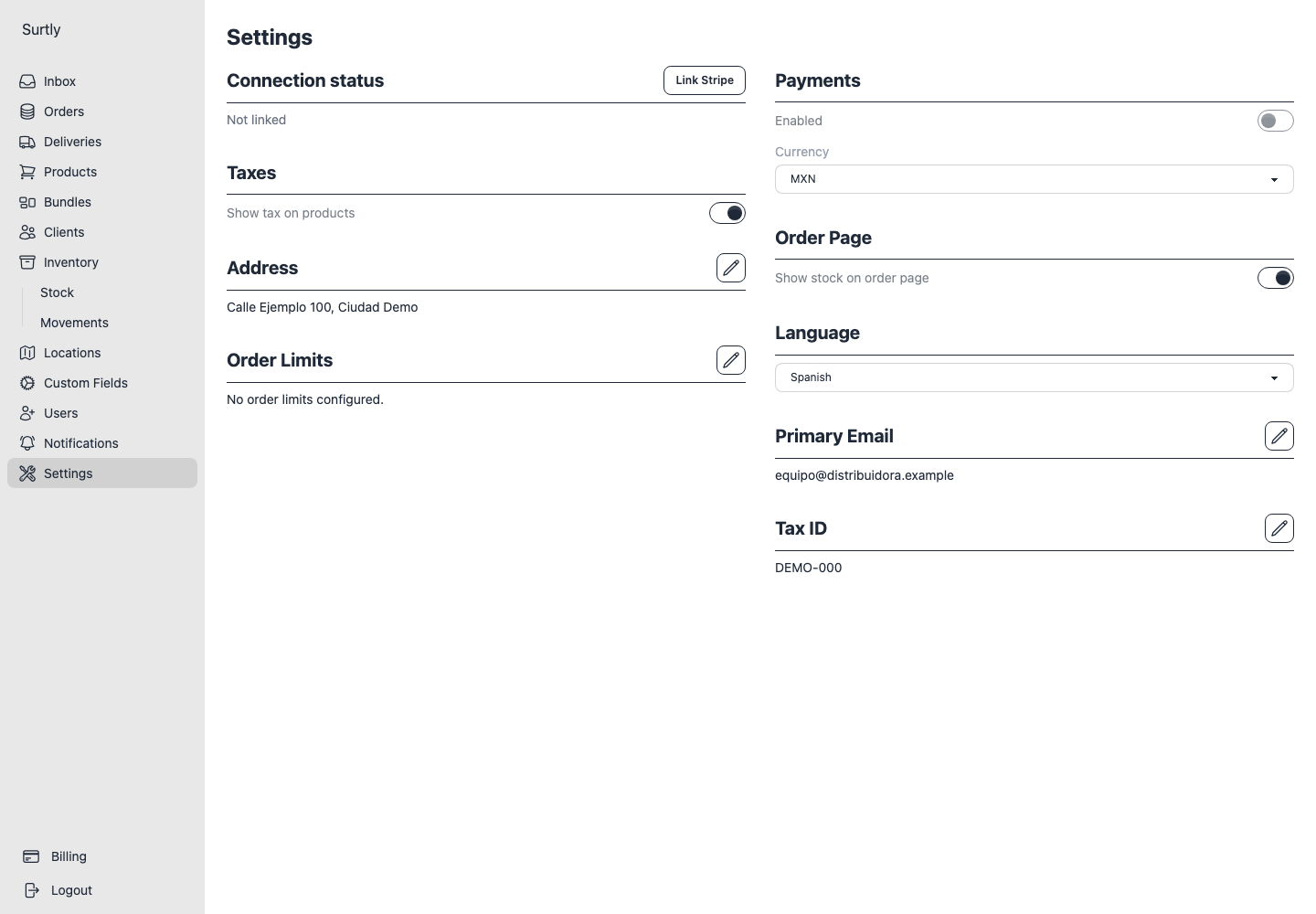
Your provider subscription pays for your use of Surtly. It is separate from money collected from clients for their orders. Configure client payment collection under Settings and reconcile it from each order; see client payments.
If the billing page does not open, confirm the account has the required access and retry. Avoid submitting the same subscription purchase again before checking whether the first attempt completed.