 surtly
Client warehouse access
Control eligible warehouses and choose a client default.
Public and private warehouses
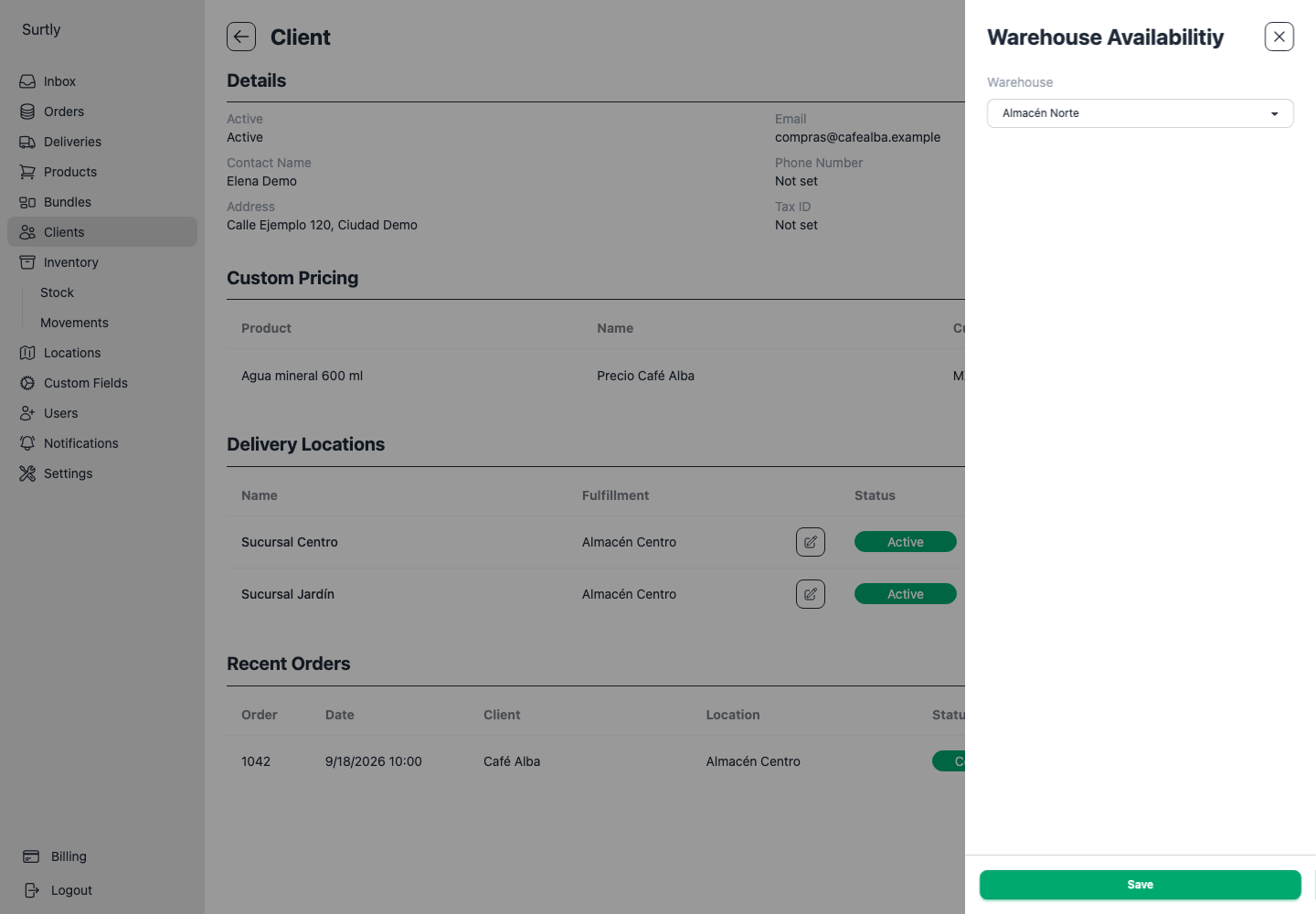
A client can use a warehouse when it is active and either allows client ordering for everyone or has an explicit Warehouse Availability grant for that client. Use the client's + menu to add the first grant when the section is not yet visible.
To grant access, select the warehouse and save. The picker only lists active private warehouses without an existing grant; public warehouses do not need a grant and are absent from this list. To remove a grant, use its row's trash button. Removing a grant from a public warehouse does not remove the client's public access.
Choose a default
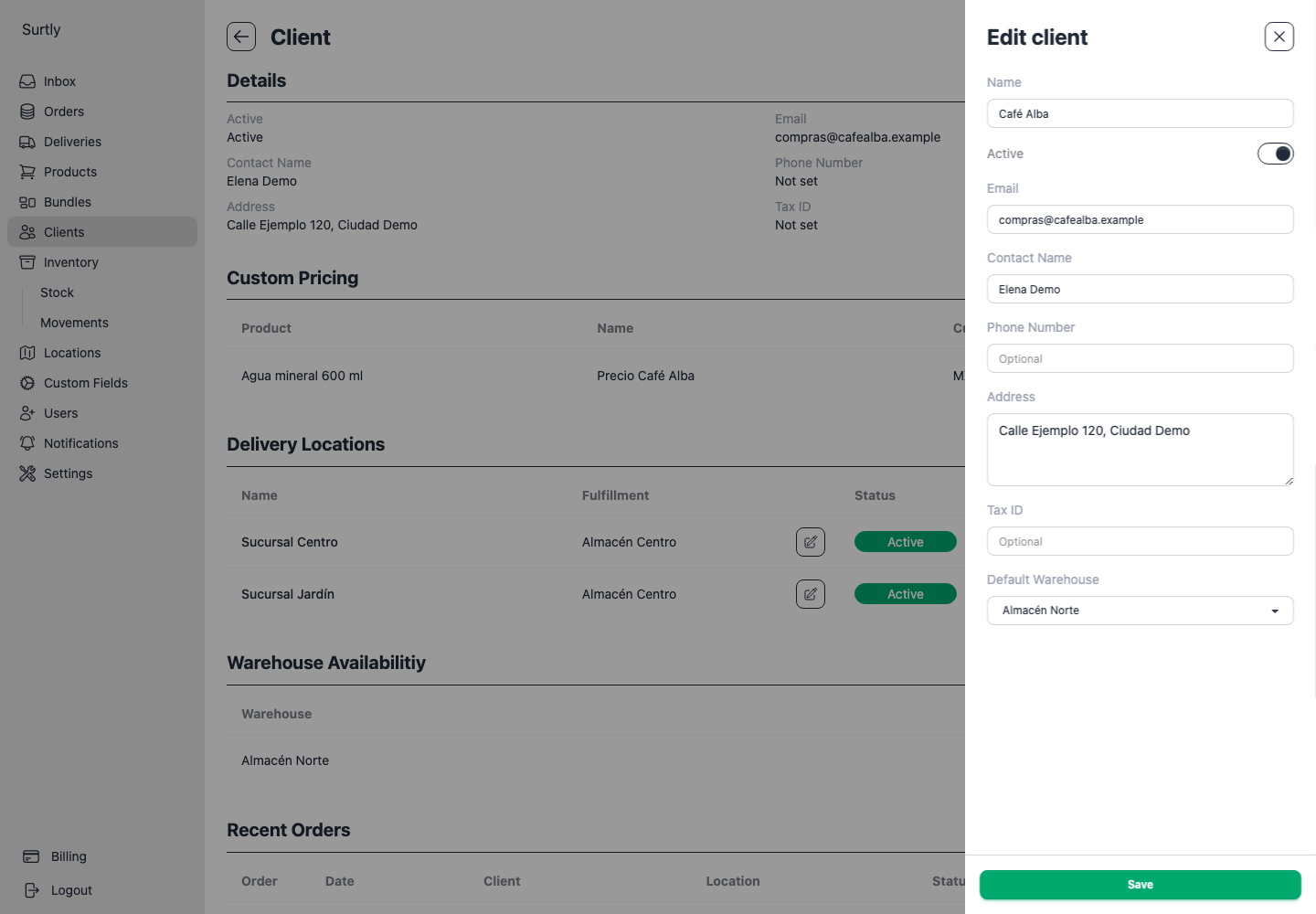
Edit the client's Default Warehouse and select an eligible warehouse. There is one client default for this provider. Choose Provider public default warehouse and save to clear the client override and return to the provider's fallback rules; this does not remove warehouse grants or delivery-address routes.
A default is a starting selection, not a restriction. When several warehouses are eligible and no address route locks the choice, the client can choose another one. Setting a default does not make a private warehouse accessible.
How the warehouse is selected
For client orders, an eligible delivery-address route takes precedence. Otherwise, the client's selected warehouse is used; when no selection is supplied, the client default is preferred, then the active public provider default, then the first eligible warehouse. Do not rely on the order of that final fallback: configure a default.
The client form preselects a route, then its client default, then an eligible warehouse marked default, then the first eligible warehouse. An explicitly granted private provider default can therefore be preselected by the form even though the no-selection fallback requires a public provider default.
Staff creating orders can explicitly select any active warehouse, including private ones. Every order uses one warehouse: stock is neither pooled nor automatically split or rerouted to another warehouse with more stock.
When access changes
Removing a private grant clears that client's affected defaults and routes. Making a public warehouse private clears defaults and routes for clients without an explicit grant. Review warehouse maintenance before deactivating a location.
For a complete setup, follow public coffee and private franchise supplies or branches supplied by different warehouses.