surtly
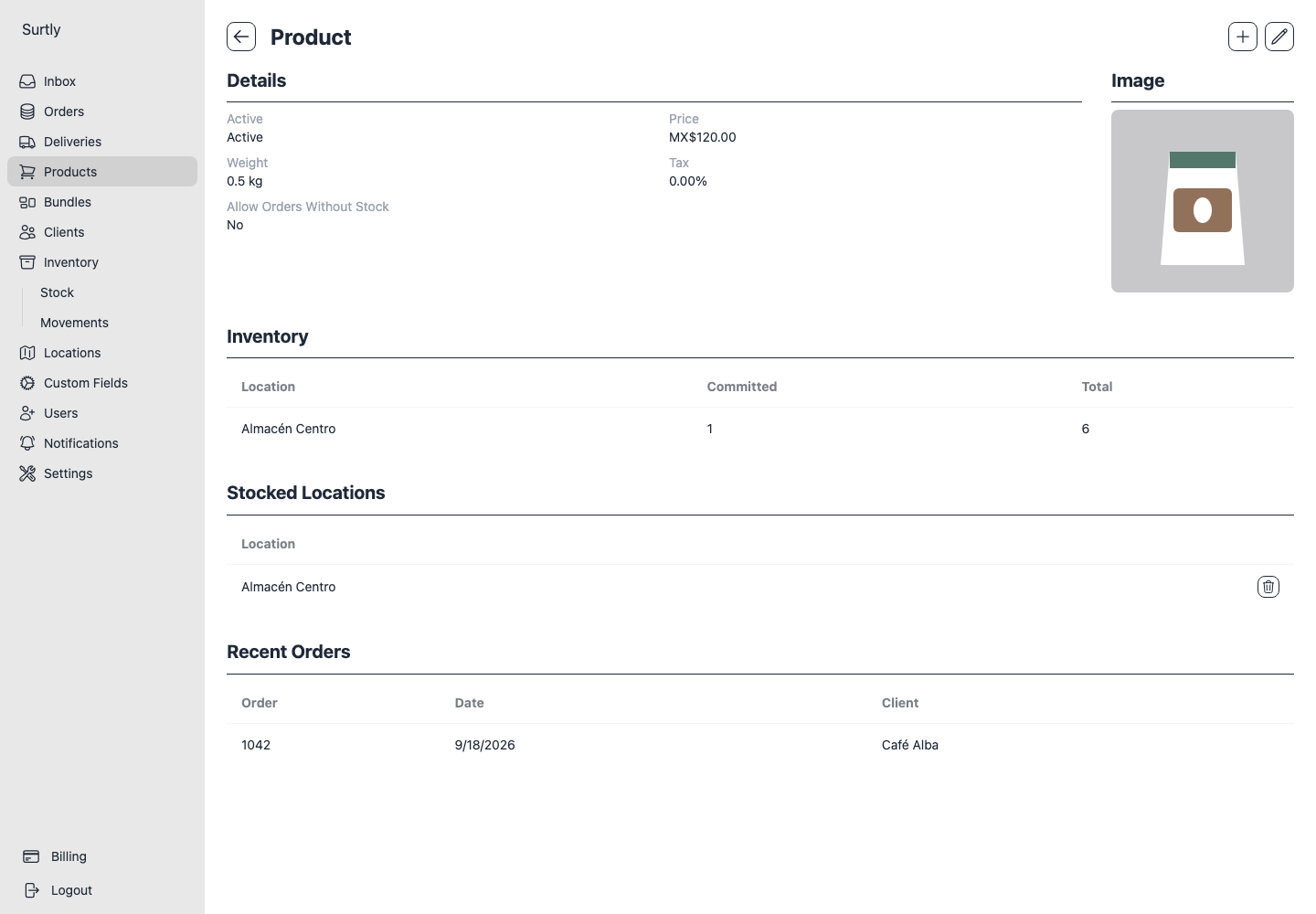
Product stocked locations
Choose where a product can be ordered and moved.
Set the warehouse scope
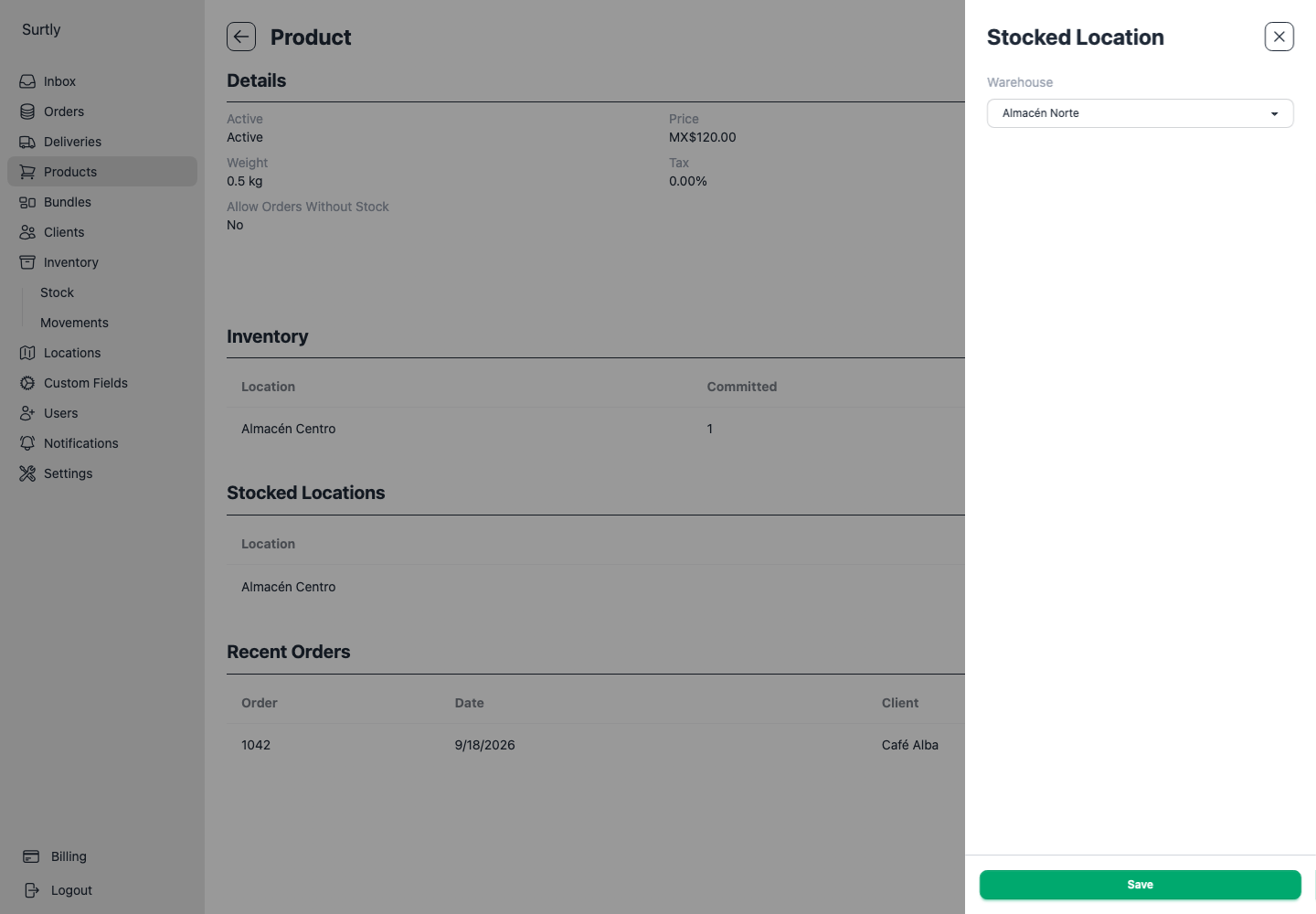
Open a product and find Stocked Locations. If the section is missing, use + to add its first location. Select a warehouse and save. Add additional locations as needed, or remove a row to remove that assignment.
| Assignments | Product eligibility |
|---|---|
| No assignments | All warehouses |
| One or more assignments | Only the assigned warehouses |
| Final assignment removed | All warehouses again |
Removing the last assignment does not make the product unavailable everywhere.
Understand what changes
The scope applies to orders, movements, grid adjustments, and CSV inventory updates. A warehouse outside scope may display a dash instead of a quantity. It is not a zero-stock instruction.
Changing scope does not move, erase, or transfer physical stock. Review balances before removing a warehouse from the scope.
This is independent of client warehouse access and custom product availability. A client needs an eligible warehouse and a product eligible at that warehouse. Allow orders without stock does not bypass this requirement.